Each Phound persona can use its own ringtone. A distinct sound can help you recognize which persona is receiving a call before you answer.
Open Ringtone Settings
- Open the active persona menu in the Phound desktop app.
- Select the settings icon for the persona.
- Under Additional settings, select Ringtones.
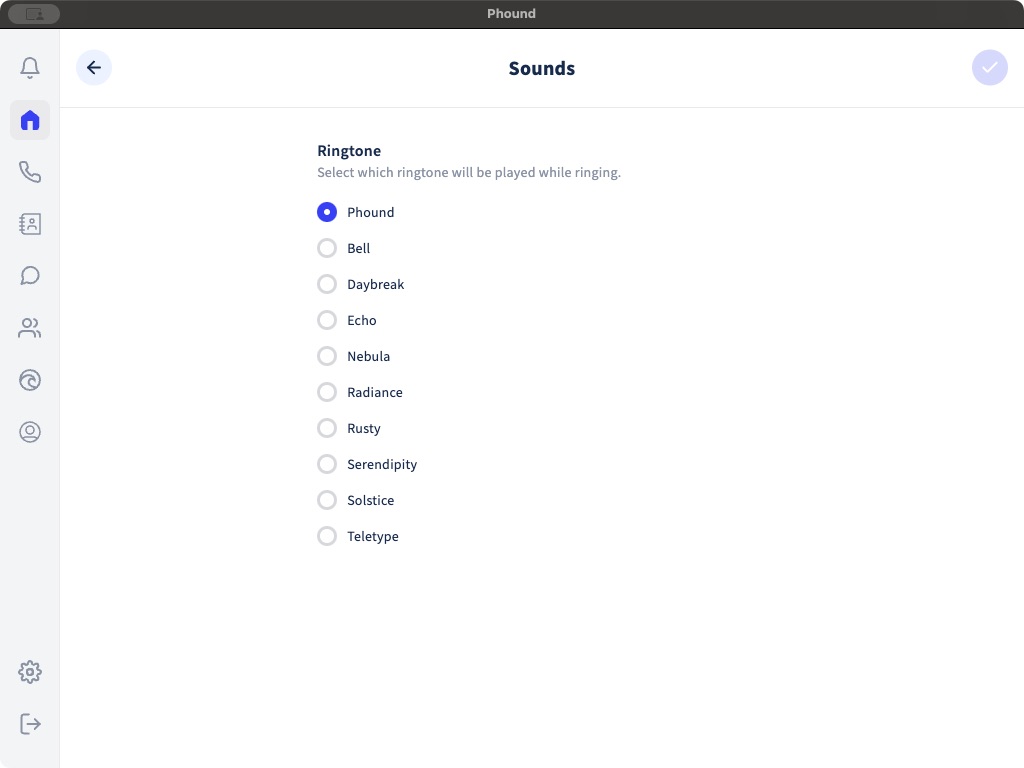
Choose a Ringtone
The current desktop app provides these choices:
- Phound.
- Bell.
- Daybreak.
- Echo.
- Nebula.
- Radiance.
- Rusty.
- Serendipity.
- Solstice.
- Teletype.
Select a ringtone to preview it and make it the persona's current choice. The checkmark identifies the selected ringtone.
Test the Result
Call the persona's number from a different phone. Confirm that the Phound desktop app rings and that the expected sound plays.
The ringtone does not decide where the call is routed. If the call does not ring in the app, review Incoming Call Routing. A direct voicemail, meeting, message, or custom Flow route can handle the call before a ringtone would play.